

Sign it.Fill it.Done.
A free Mac app for signing and filling out PDFs. Your signature, the date and your details in a click, then save a signed copy. No account, no subscription, nothing uploaded.
Free · macOS 13 or later · Apple silicon and Intel
What it does
Everything a form needs. Nothing it doesn’t.
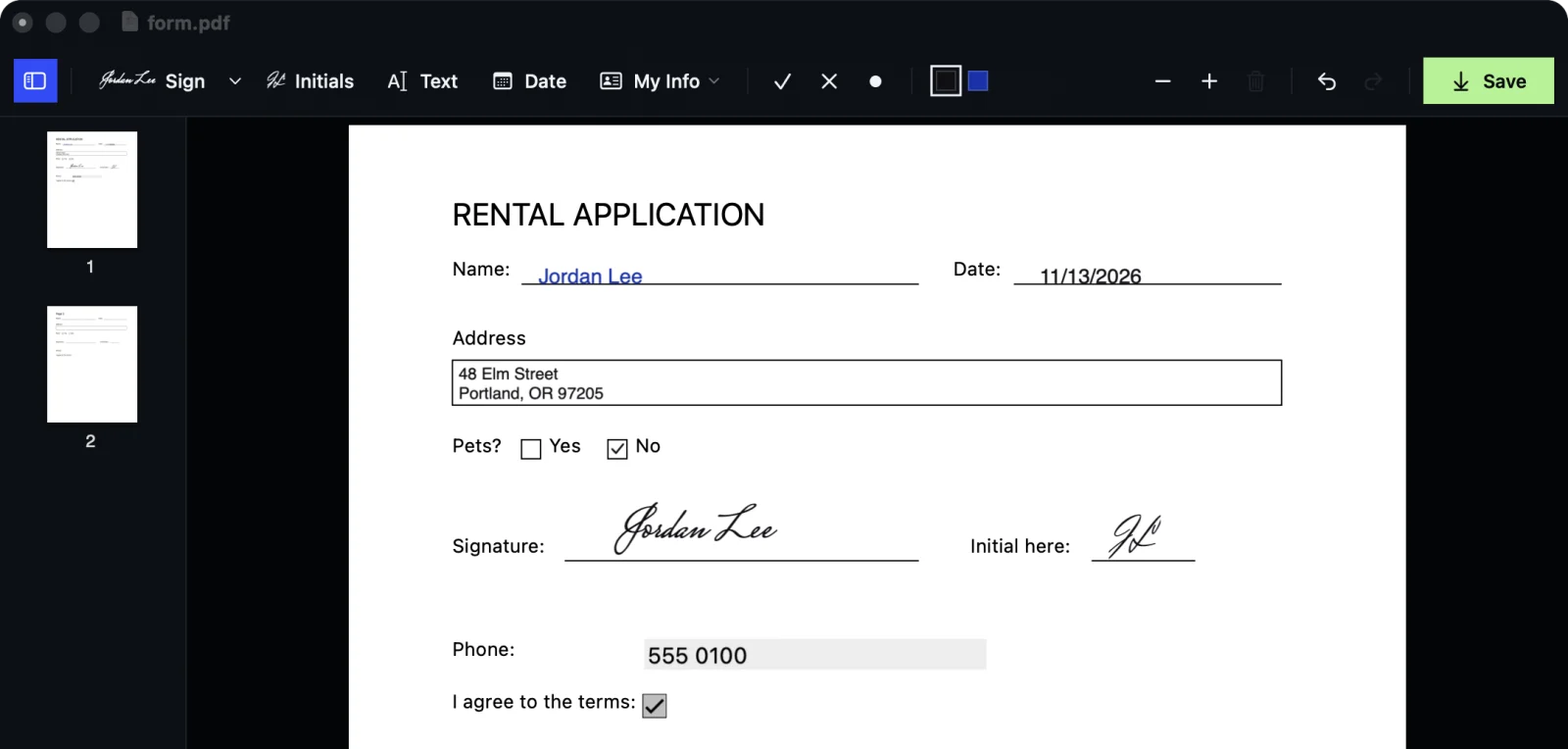
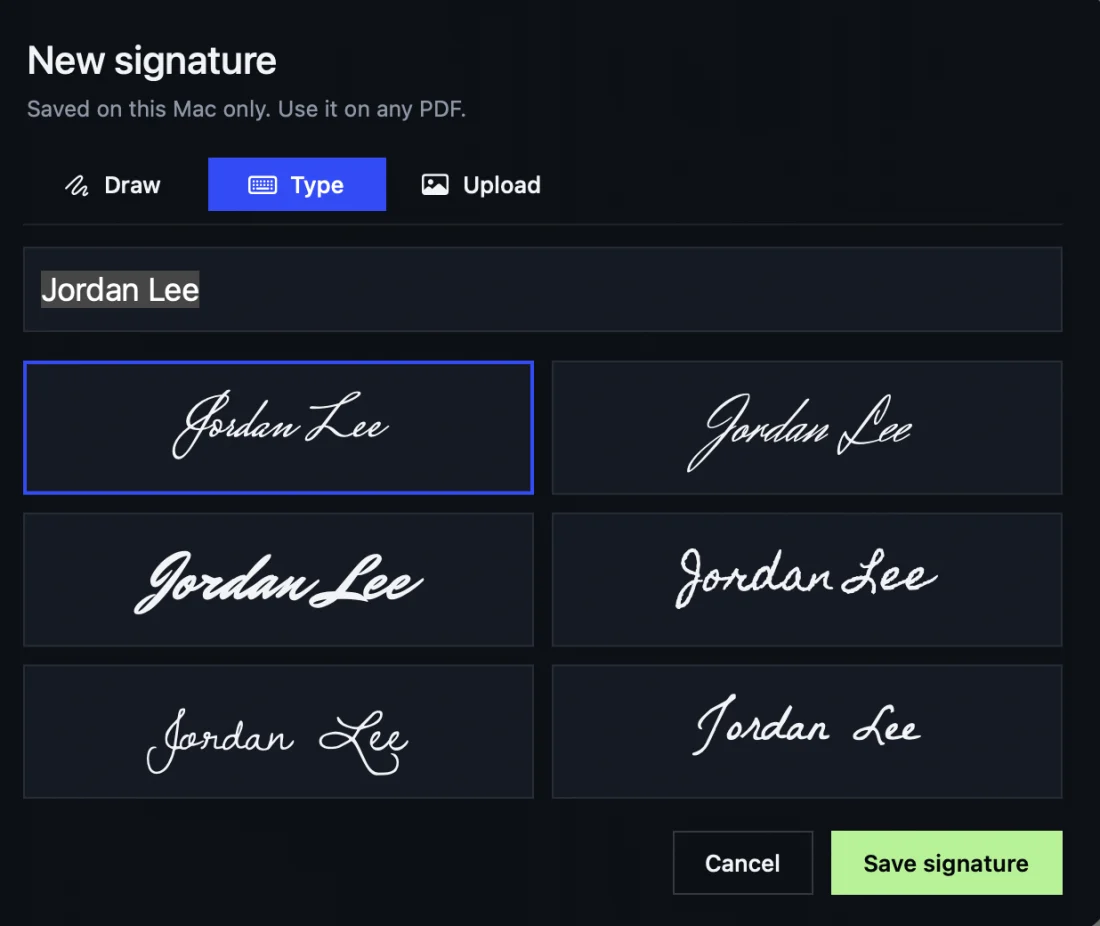
- 01Your signatureDraw it, type it in a handwriting style, or upload a photo of the real thing. Black or blue ink.
- 02Initials and the dateOne click each. The date comes out the way your Mac writes it.
- 03My InfoSave your name, email, phone and address once. Drop any of them onto a form.
- 04Lands where it shouldText sits on the line you click, fits inside boxes, and ticks land in the middle of check boxes. Real form fields fill in too.
- 05Ticks, crosses and dotsFor every kind of check box. Click as many as you need.
- 06Undo anythingMove, resize and undo until it’s right, then save a signed copy. Your original stays as it was.
sig is free.
No account. No subscription. Nothing is uploaded: your files never leave your Mac.
- macOS 13 or later
- Apple silicon and Intel
sig places your drawn, typed or photographed signature on the page and saves a flattened copy. It isn’t a certified digital signature.